This is Part 1 of the series "Web Development: From Zero to Production
Most beginners waste weeks "learning" HTML.
Not because HTML is hard - but because they're learning too much of the wrong stuff.
You don't need 100 tags. You don't need to memorize syntax. And you definitely don't need to master HTML before moving on.
In this post, I'll show you **exactly what HTML is, what actually matters, **and what you can safely ignore - so you can learn HTML in a day and move forward with confidence.
What HTML Actually Is
HTML stands for Hyper Text Markup Language - but don't overthink the name.
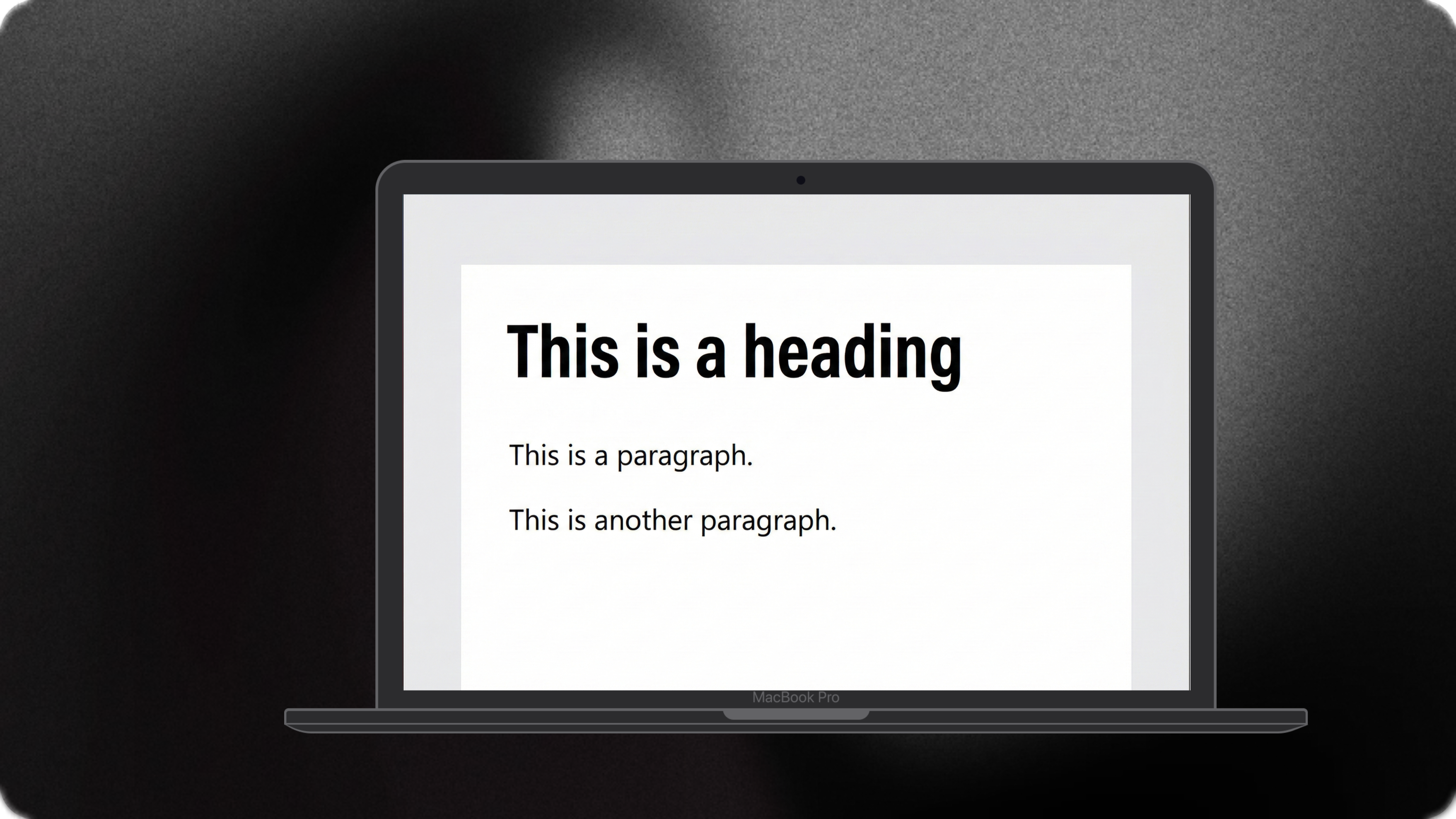
What matters is this: HTML defines structure, not design. HTML tells the browser:
- What is a heading
- What is a paragraph
- What is navigation
- What is content
HTML does not decide:
- Colors
- Layout
- Animations
That's CSS and JavaScript's job.
HTML is simply a collection of elements that describe the structure of a page.
Structure
Every HTML page follows the same basic structure:
<!DOCTYPE html>
<html>
  <head>
    <title>Page Title</title>
  </head>
  <body>
    <h1>My First Heading</h1>
    <p>My first paragraph.</p>
  </body>
</html>
- DOCTYPE html tells the browser to use modern HTML standards
- html is the root element
- head contains metadata (not visible on the page)
- title defines the browser tab title
- body contains everything the user sees
The .html extension. You can name the file anything you want, but without
.html, the browser won't recognize it as a web page.
So What Is an HTML Element?
An HTML element consists of:
- A start tag
- Content
- An end tag
Syntax:
<tagname>Content goes here...</tagname>
Example:
<h2>My name is Monkey D Luffy </h2>
some elements don't have closing tags (img , br), but most do - and skipping them is bad practice.
Where Do You Write HTML ?
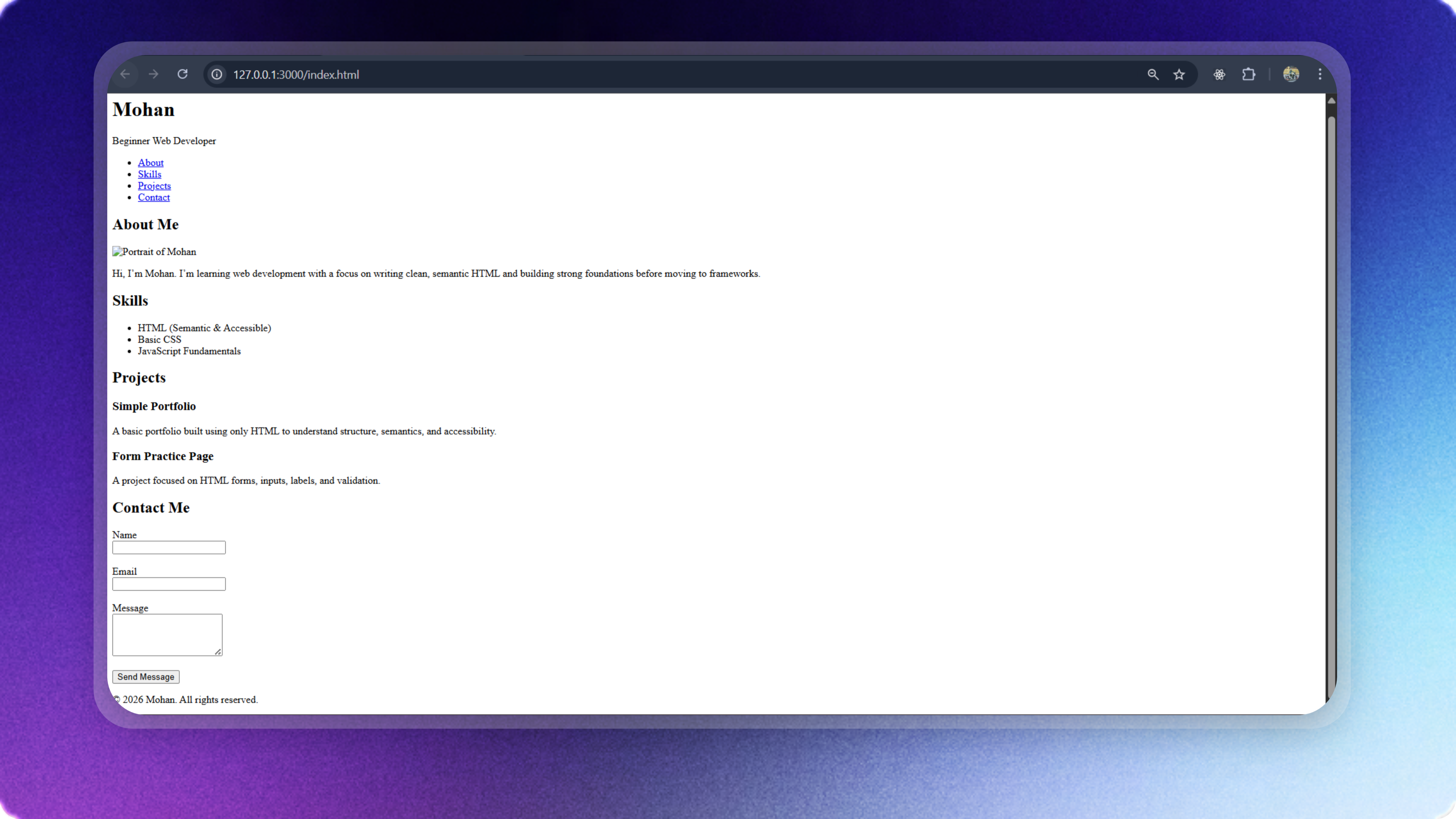
Use VS Code and a live server to preview your HTML.
THe tool doesn't matter. Understanding HTML does.